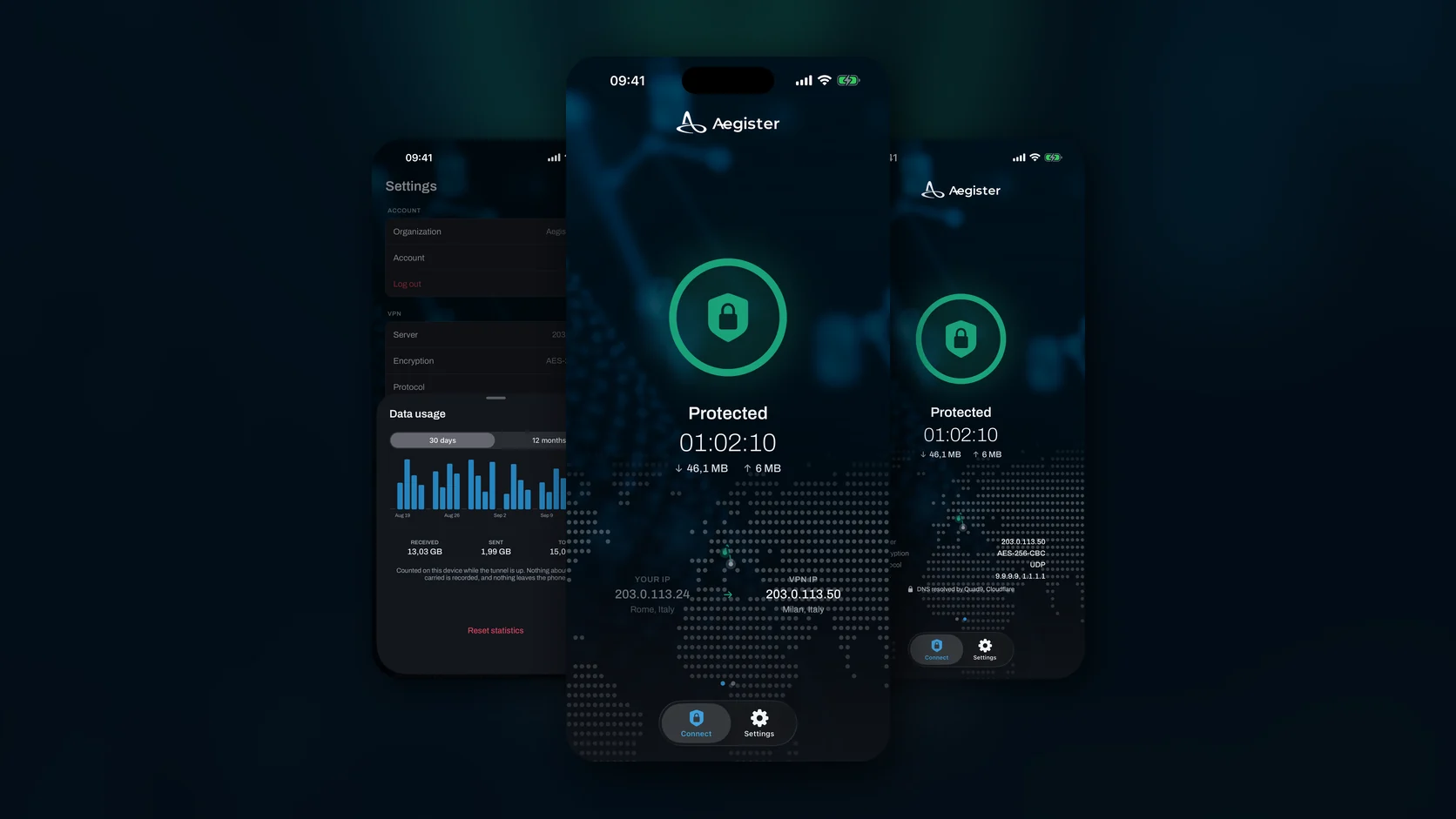

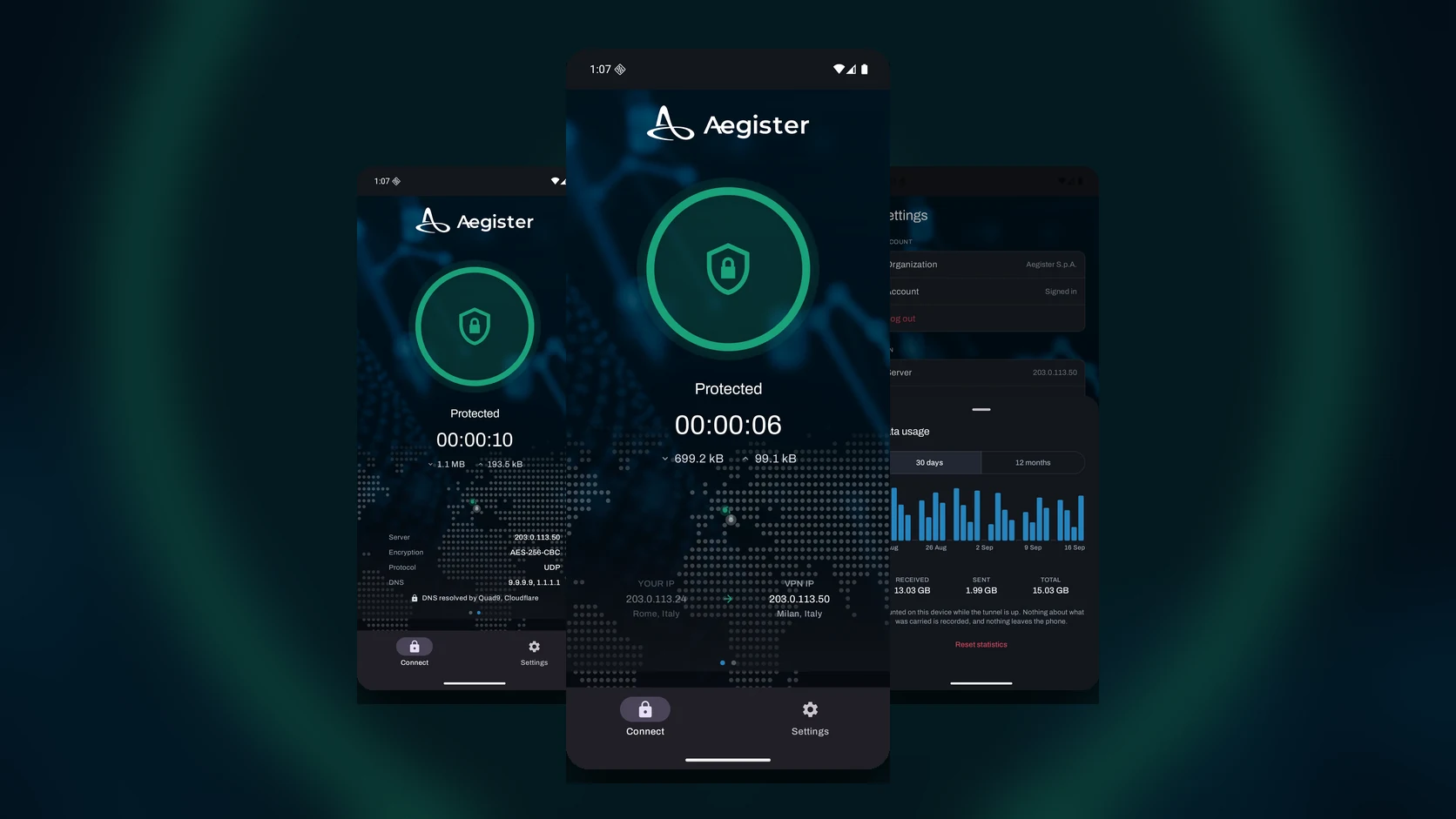
Aegister VPN 2.0 is available on Google Play. The Android app has been rewritten from scratch in Kotlin and Jetpack Compose, with an updated OpenVPN engine and support for Android 16. The iOS version, rewritten in SwiftUI, reached the App Store on 23 September 2026.
Built for Aegister customers
This is not a public VPN service: it serves organisations with an active Aegister VPN licence. You sign in with your Aegister account, and the app downloads the profile assigned to your organisation, opens an encrypted OpenVPN tunnel to Aegister's servers and configures the device with no manual steps.
Traffic leaves through Aegister's servers, where it passes the service's threat intelligence and IP reputation filters. The filtering sits on the network rather than in the app, so it applies to every device on the tunnel.
What is new in 2.0
- Native apps: Kotlin and Jetpack Compose on Android, SwiftUI on iOS.
- Updated OpenVPN engine, with native libraries that meet Google Play's current requirements.
- Sign-in with an Aegister account and automatic profile setup.
- Your real address and the tunnel address shown side by side, so you can see at a glance that traffic is going through the VPN.
- A panel with the session details: server, encryption, protocol and DNS resolvers.
- Usage history over 30 days and 12 months, calculated and kept on the device alone.
- An Android Quick Settings tile to connect and disconnect without opening the app.
Privacy
The app carries no ads, no analytics and no third-party SDKs. Usage history stays on the device, and the public IP address is resolved by Aegister's own services rather than a third party. Signing out removes the VPN profile and the credentials from the device. The details are in section 10 of our privacy policy.
Getting started
Download the app from Google Play and sign in with your Aegister account. If your company does not have a VPN licence yet, the Aegister VPN page explains how to get one.